JAR-Template for beginners
JAR-Template is a free VEXcode V5 C++ template that adds PID, odometry and simple motion commands. It's a friendly first step out of Blocks because it stays inside the VEX tools many teams already use.
What you need
- VEXcode V5 (or the VEX extension for VS Code) and the JAR-Template project
- A V5 brain, drivetrain and inertial sensor
- Optional tracking wheels for odometry
What the code looks like
chassis.set_coordinates(0, 0, 0);   // start here, facing forward
chassis.drive_to_point(0, 24);      // drive to 24 inches ahead
chassis.turn_to_angle(90);          // face right
chassis.drive_to_point(24, 24);     // drive to the right spot
Each move finishes before the next line runs, which makes JAR-Template easy to reason about. Speeds are in volts (0 to 12), and the tuning numbers live in default_constants().
The order to learn it in
- 📍CoordinatesX, Y and heading.
- ⚙️Set up the DrivePorts, wheel size, gear ratio, sensors.
- 🧭First movesdrive_distance and turn_to_angle.
- 🛞Add odometryTracking wheels and drive_to_point.
- 🎛️TuneOne constant at a time.
- 🏁Auton selectorPick your routine on the brain screen.
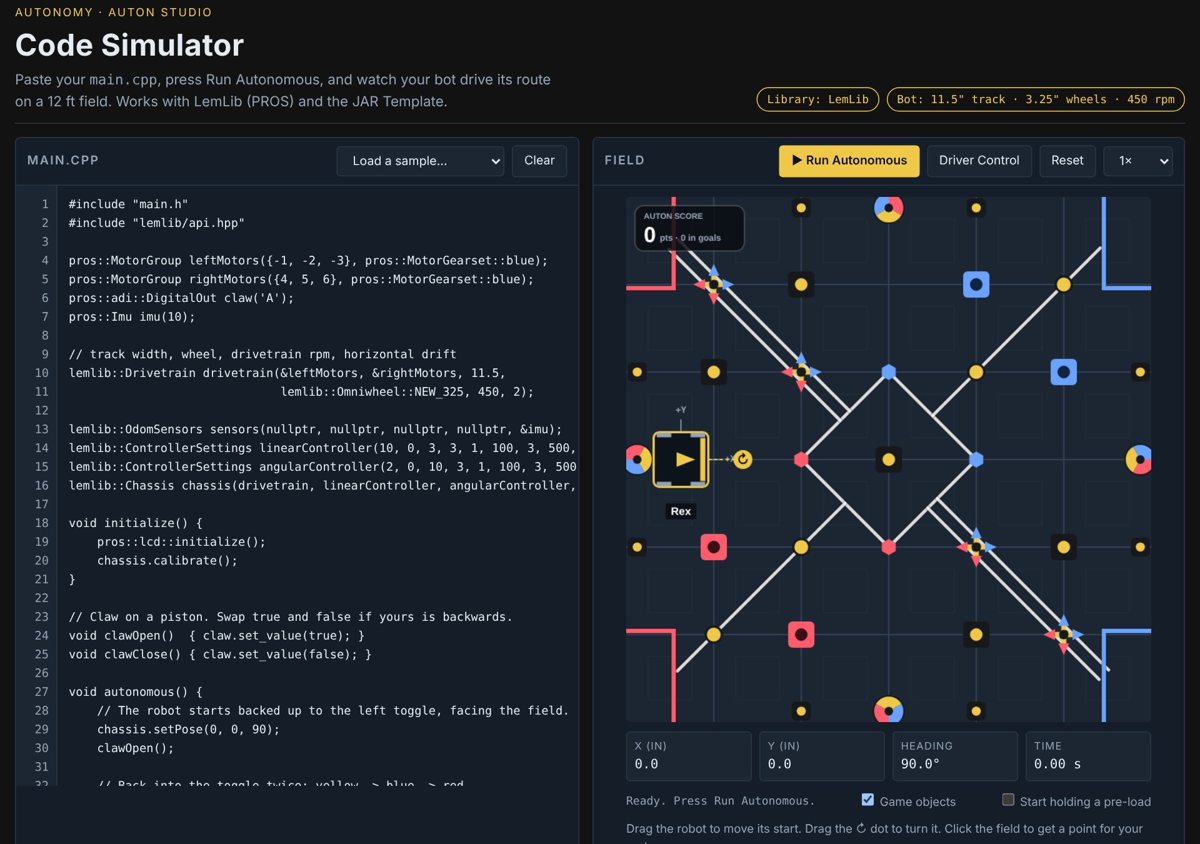
Common beginner mistakes
- Mixing up volts and percent. JAR speeds are 0–12 volts, not 0–100.
- Not calibrating the inertial sensor before the match starts.
- Wrong gear ratio in the Drive setup, so every distance is off by the same amount.
- Copying LemLib code. The commands are different; JAR moves don't need waitUntilDone.
Questions people ask
What is JAR-Template?
A free VEXcode V5 C++ template made by a VEX team that adds PID, odometry and easy motion commands like drive_to_point.
Does JAR-Template use PROS?
No. It runs in VEXcode V5 or the VEX extension for VS Code, not PROS.
Is JAR-Template good for beginners?
Yes. Moves run one after another, the commands read like sentences, and it stays in VEX's own tools.
Try it free. The first autonomy.school missions run in your browser. No sign-up, nothing to install, and there's a virtual robot if yours is at school or the lab.
Start the free missions